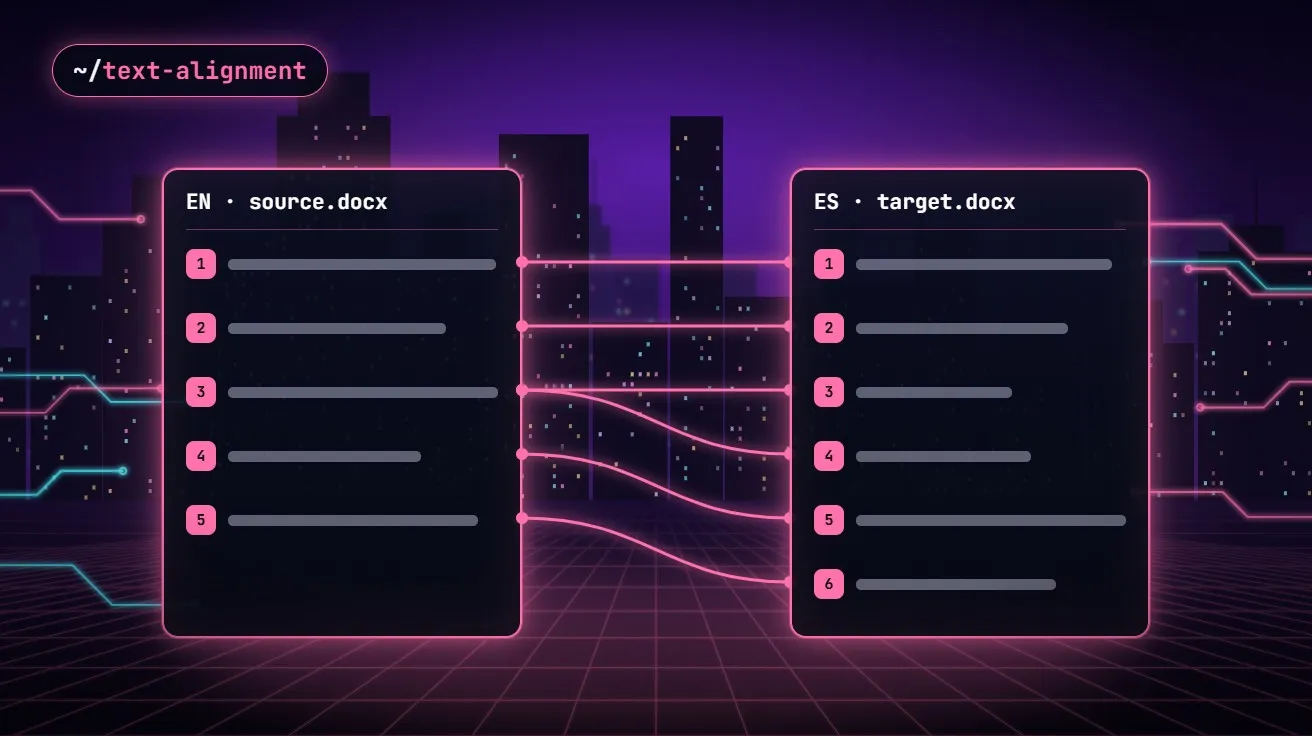
Alignment turns translations that never went through a CAT tool into a translation memory. Done well, it saves weeks. Done badly, it costs more than translating again.
Text alignment is one of the most common procedures in our industry: you take an original document and its translation, pair their sentences and get a translation memory you can reuse. It is also a double-edged sword. It rescues old work that never went through a CAT tool, but a careless alignment produces a memory so noisy that cleaning it takes longer than translating from scratch.
My love-hate relationship with alignment started at Montero Language Services. Besides translating, I proofread and edited, and although almost everything already went through CAT tools, some jobs still arrived the old way: a translated DOCX to check against an original PDF, or a translation to update after the client changed the original, with nothing but a new PDF as a reference. Working directly in Word was never an option. I was not willing to give up automated QA, or my eyesight, and above all I wanted that work available for future projects.
Four rules before you align anything
Both documents in the same format. An aligner reads the structure of each text, segments it and looks for patterns to pair the sentences. If one side is a PDF and the other a DOCX, the structures do not match, and you get something unusable or something that needs hours of editing.
The same segmentation rules for both languages. If language A breaks after a colon and language B does not, you create units that can never match. And although I like segmenting by commas for translating some kinds of content, aligning by commas is usually a disaster: commas rarely correspond between languages. Segmenting by paragraph is no better if you will later translate sentence by sentence. Segment by sentence.
The same tag handling as in production. If the text you are going to translate has tags, align with tags, handled the way your CAT tool handles them. Otherwise the memory will not match what translators see, and every match will need editing.
Check the result before you trust it. An alignment is a draft until someone has reviewed it.
Step by step with OmegaT
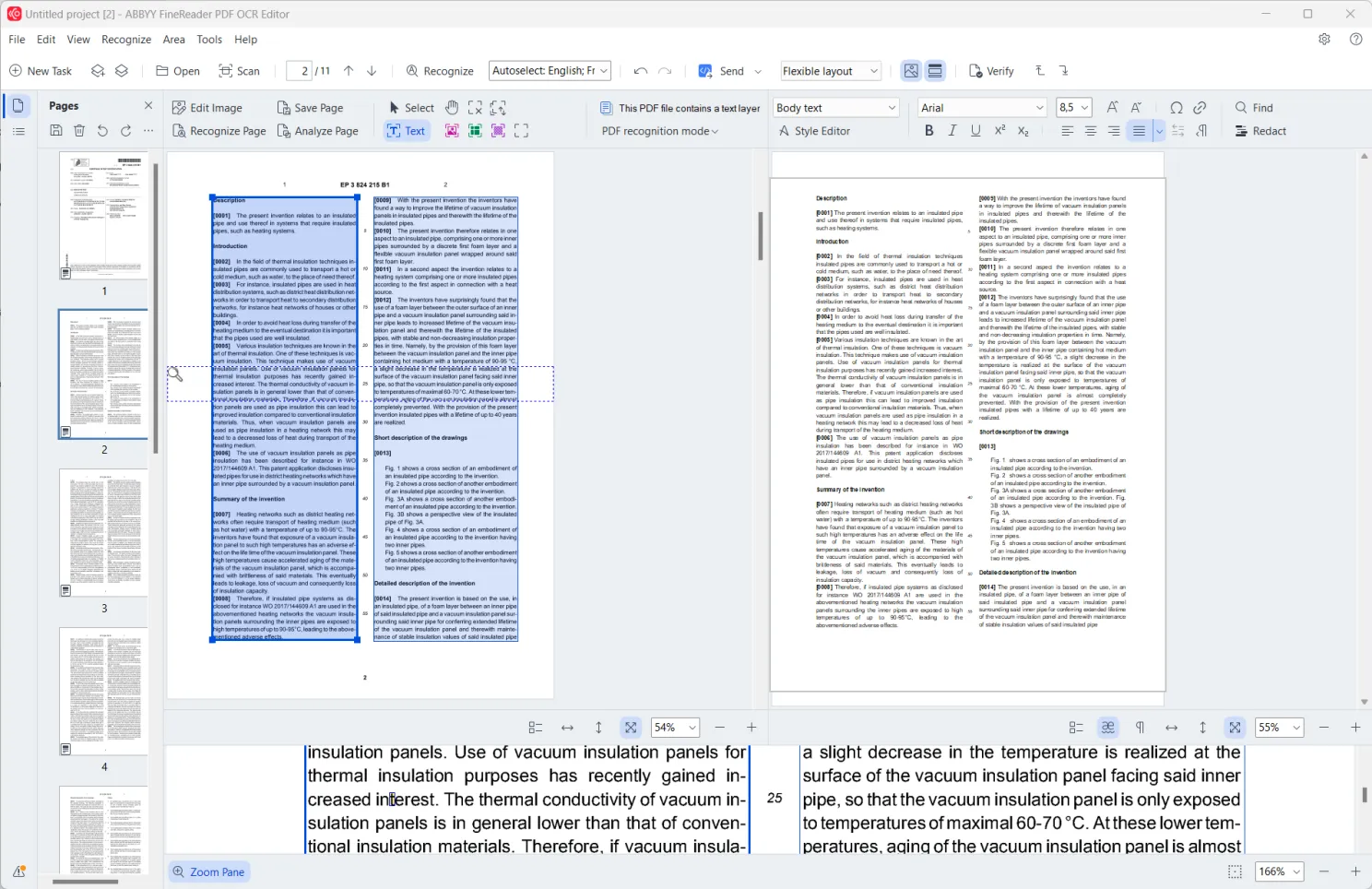
- Get both documents into the same, CAT-friendly format. PDFs go through OCR, CSV becomes XLSX, and so on. For OCR I used ABBYY FineReader:
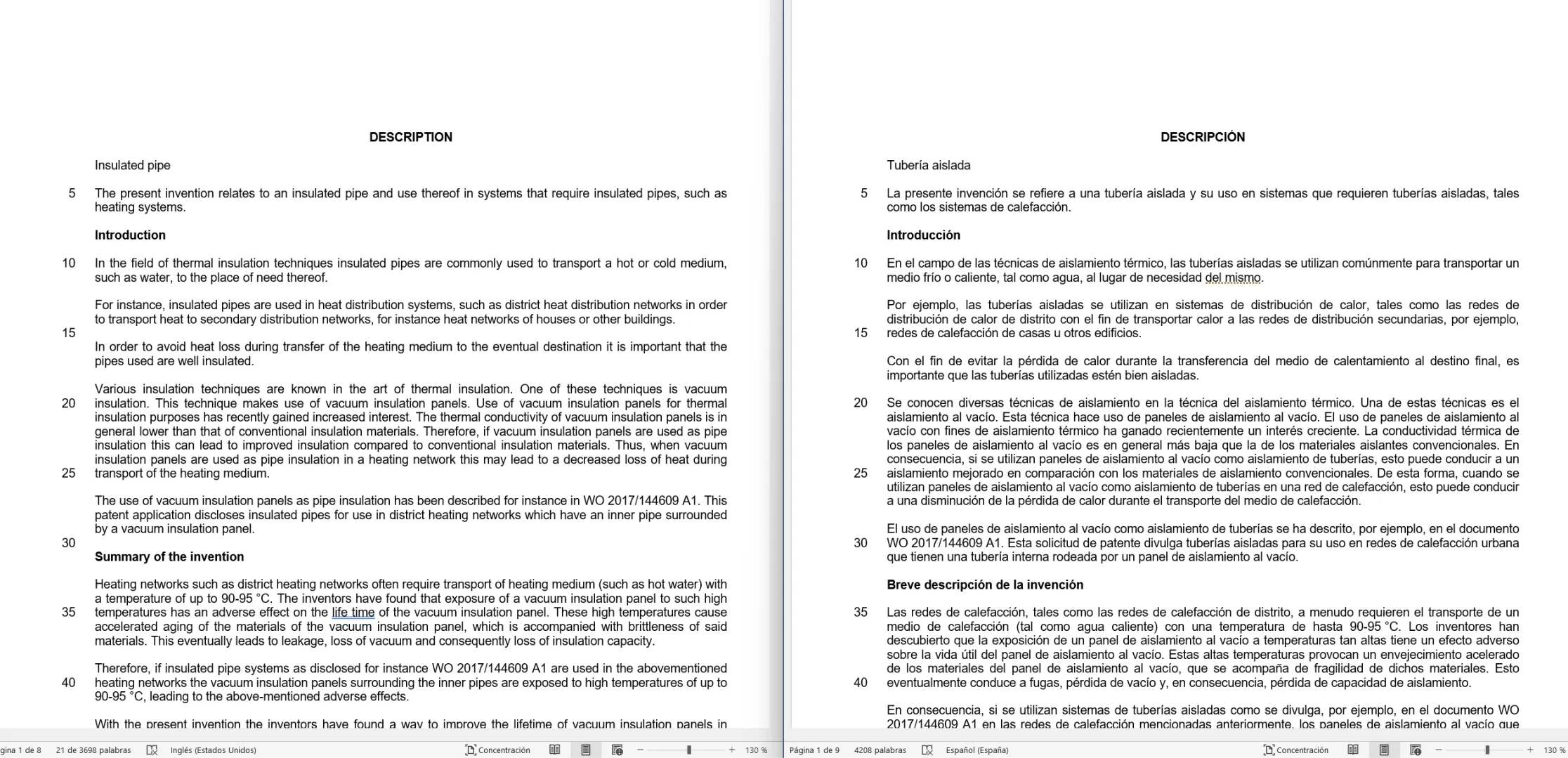
- Make both documents look the same. If you converted two PDFs to DOCX, edit and format them in Word until they share the same structure and appearance.
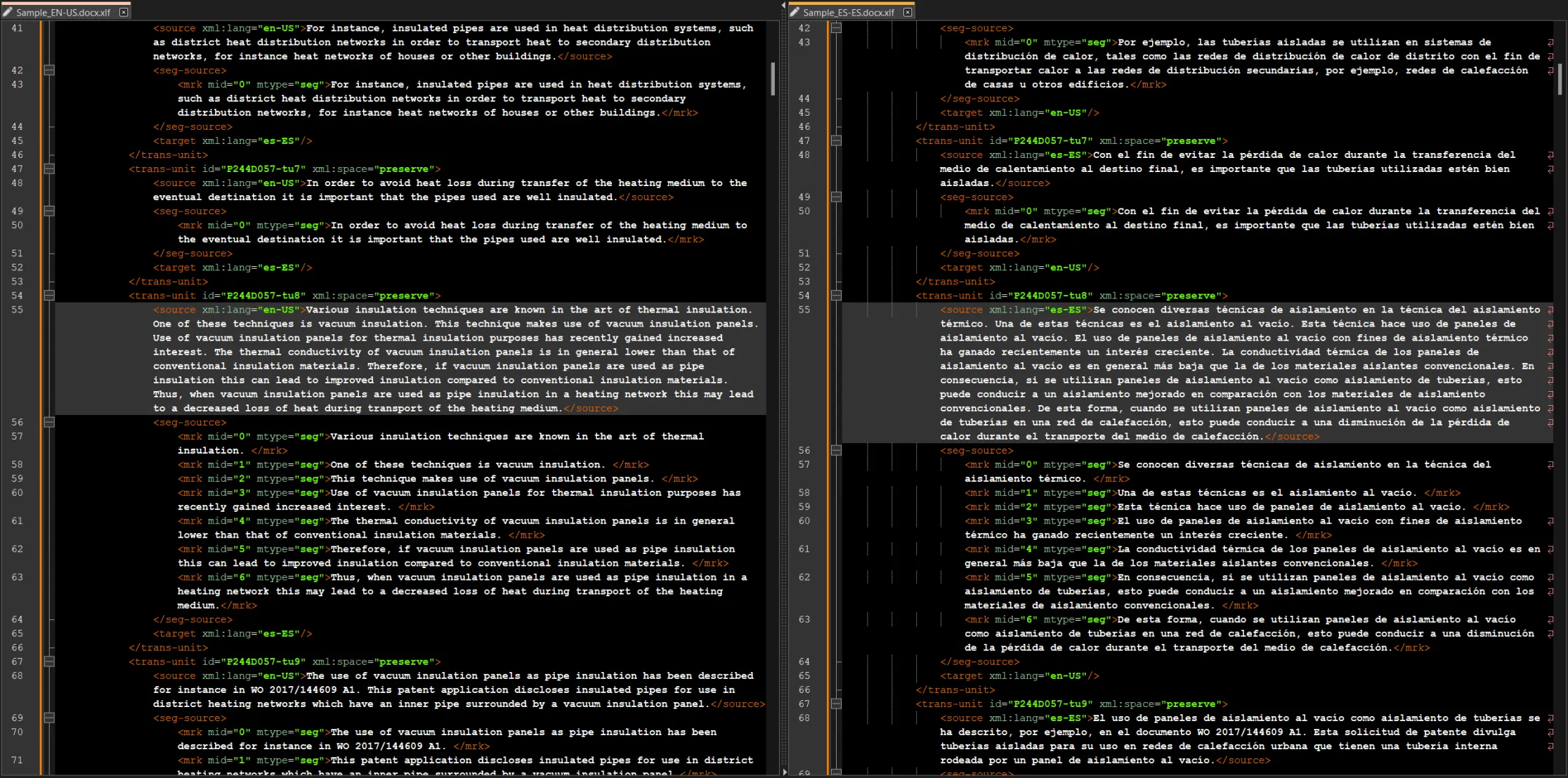
- Optional, but I recommend it: create an XLIFF of each document with your CAT tool. Two projects, one per document. You get full control of segmentation and tag handling, you can spot discrepancies before aligning, and the result mirrors how your CAT tool will treat the real text.
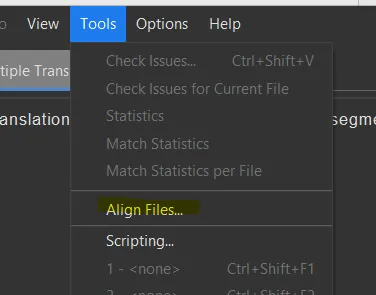
- Open the aligner. In OmegaT it is Tools > Align Files…
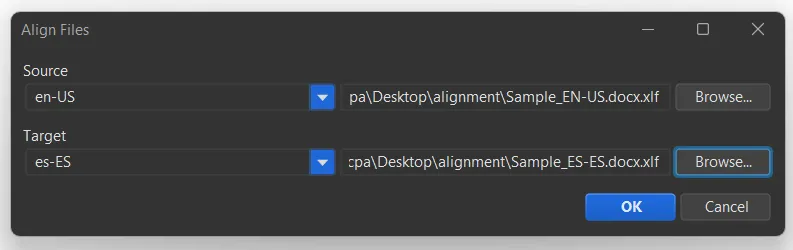
Select the languages and the two files:
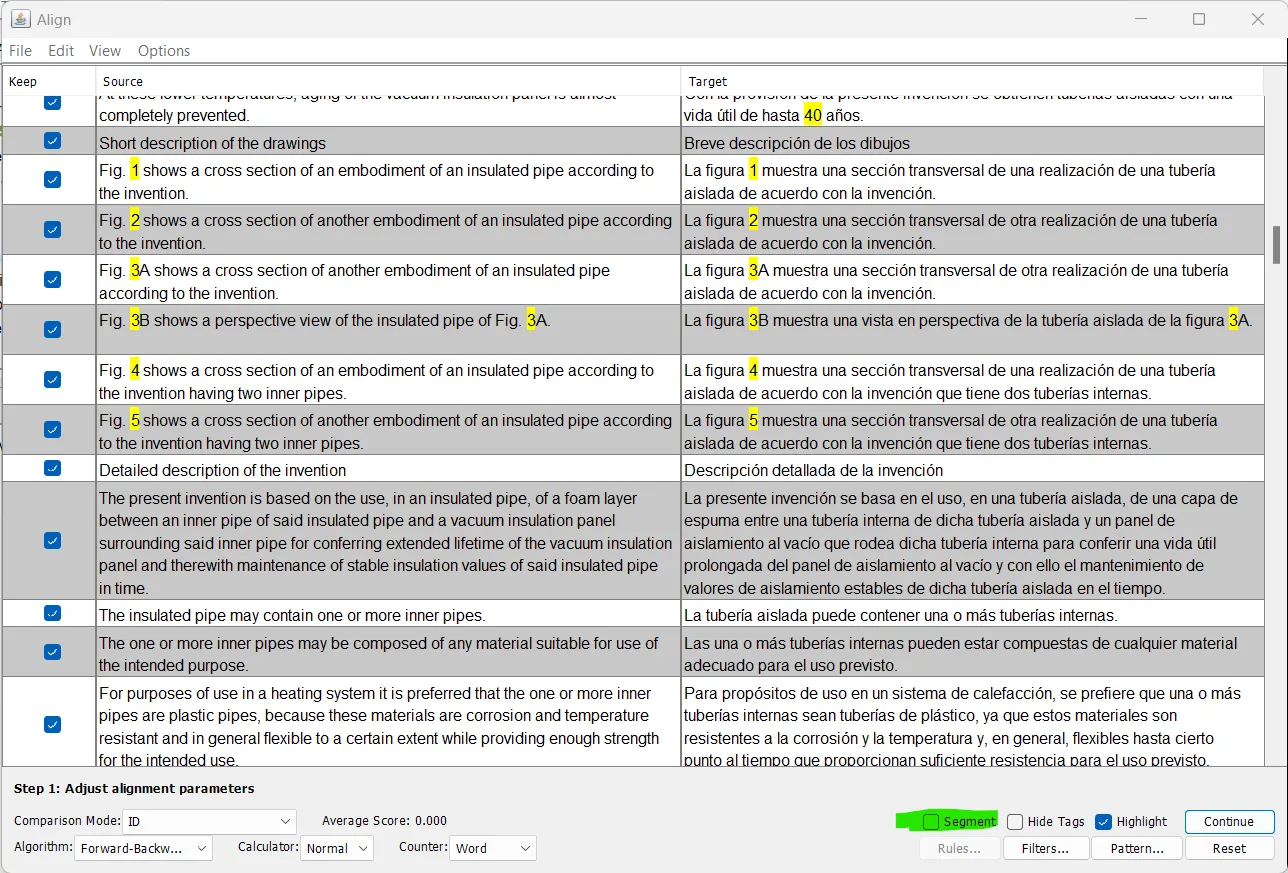
- Run the automatic alignment and adjust it. OmegaT aligns the files and lets you change the parameters until the result is decent. If you prepared XLIFF files in step 3, untick the option to resegment them, so OmegaT keeps your segmentation.
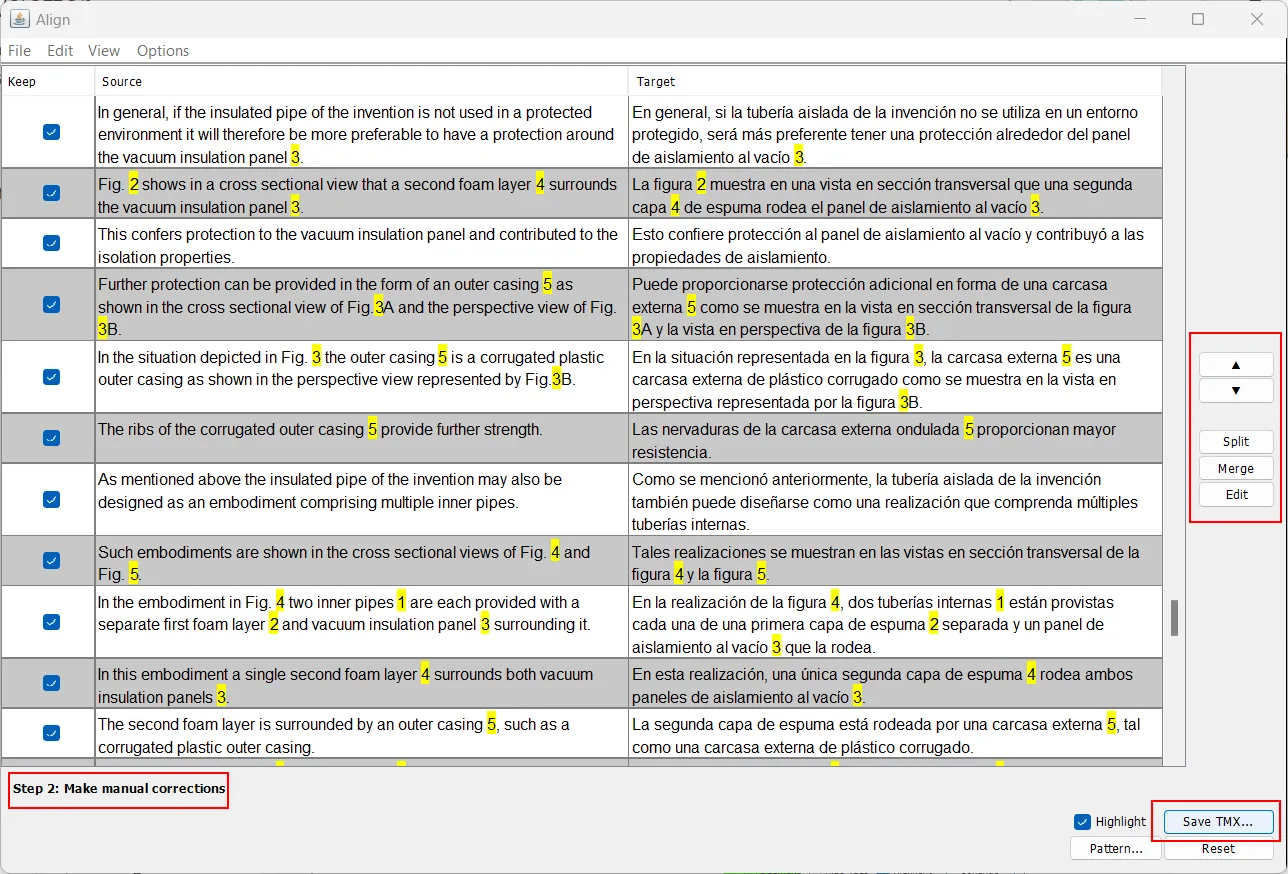
- Fix what the machine got wrong and save the TMX. In the second step, OmegaT lets you correct misalignments by hand before it creates the translation memory.
Check the memory before you use it
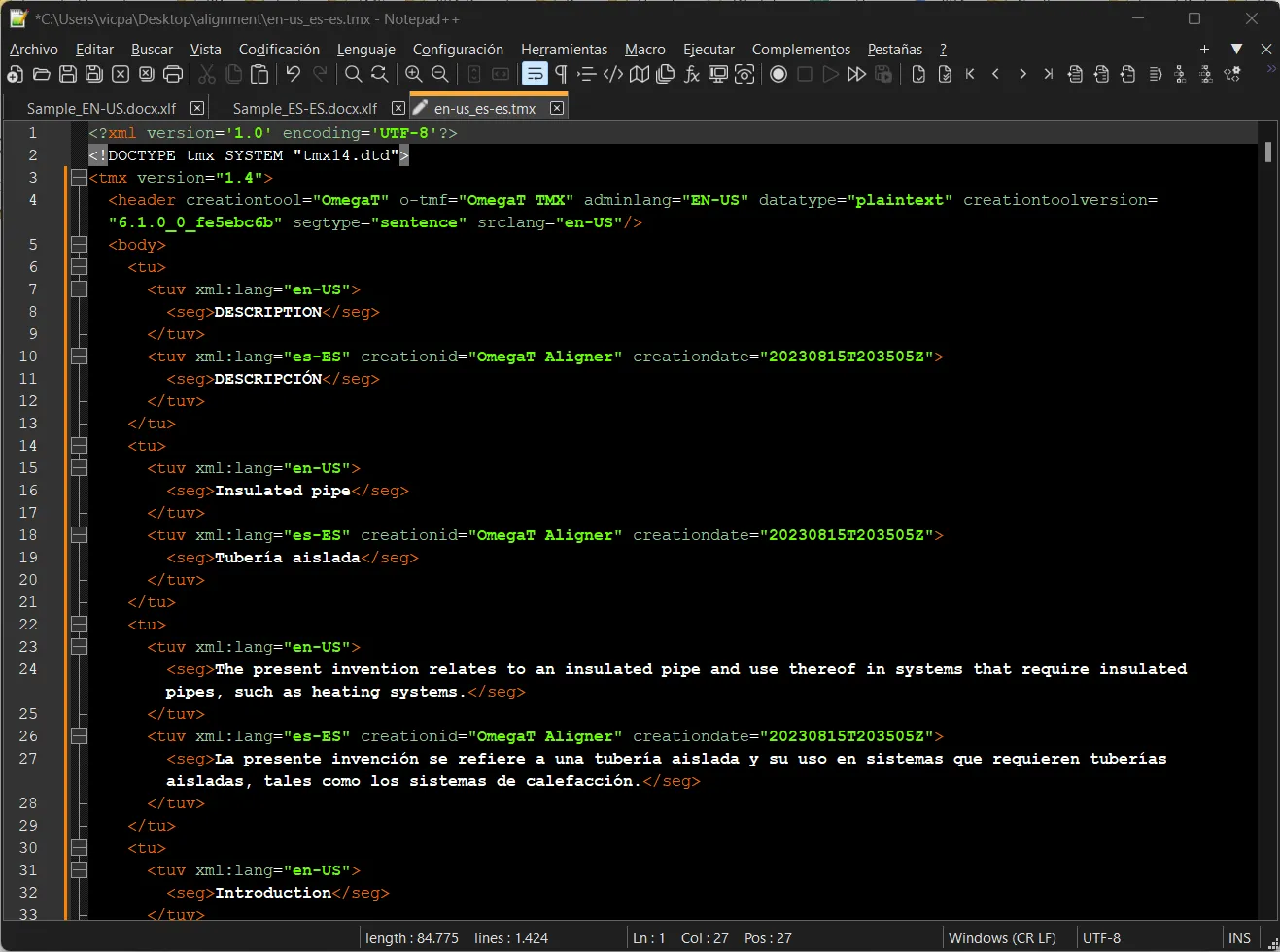
Even a careful alignment keeps a few errors. Review the TMX in a translation memory editor before it goes into production: TMXEditor by Maxprograms is actively maintained and validates and cleans TMX files, while Heartsome TMX Editor, which I used for years, has not been updated in a long time. If you cannot review everything, apply a penalty to the memory in your CAT tool, so its matches are never inserted without a human look.
What has changed since I first wrote this
Classic aligners pair sentences by length and position, helped by tags, numbers and dictionaries. That still works well for documents that mirror each other. For messy material (a different structure, missing paragraphs, loose translations) there are now aligners based on multilingual sentence embeddings, which compare what sentences mean across languages. Bertalign, built on the LaBSE model, is an open-source example you can install with pip. It does not replace the checks above, but it makes difficult alignments much less painful.
Two related cases deserve their own approach. If your files carry identifiers, like JSON or XML resource files, you do not need to align by position at all: you can align by ID. And if what you already have is a memory segmented by paragraph, you can resegment it by sentence.
The short version
- Same format, same sentence segmentation and the same tag handling as in production.
- Prepare XLIFF files first if you want full control.
- Review the TMX or penalize it. An unreviewed alignment is a liability.
- For structured files, align by ID instead.