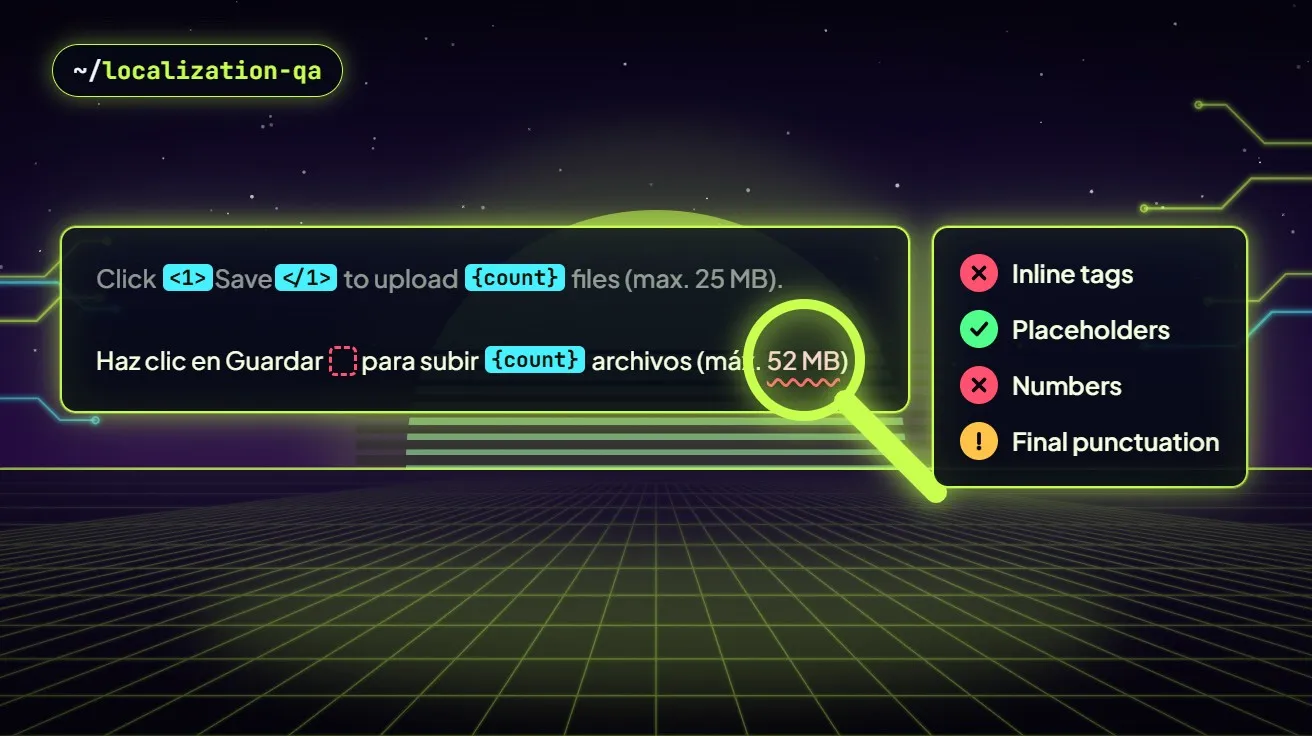
Lana Del Rey called an album Did You Know That There’s a Tunnel Under Ocean Blvd, after a hidden place that everybody walks over and nobody remembers. Localization has a few of those. This is my favourite.
I was listening to that album one morning and thought about a tool I see forgotten more and more every year, even by people who would love it.
Quality assurance is everywhere in localization now. Every CAT tool has a QA module: Trados has Verify, memoQ and Phrase have their own checks, OmegaT checks tags and spelling. On top of that there is a whole category of dedicated QA software (Xbench, Verifika, QA Distiller), often a requirement from language service providers. They are useful, they are mostly paid and Windows-only, and at least one of them has an interface I have never managed to love.
The forgotten gem in the open-source world is CheckMate, part of the Okapi Framework.
What CheckMate checks
CheckMate is a cross-platform desktop application that runs quality checks on bilingual files. Among other things, it flags:
- Missing or empty translations, and targets identical to the source.
- Differences in inline codes between source and target.
- Patterns that must be carried over: numbers, URLs, emails, product names, anything you can describe with a regular expression.
- Leading and trailing spaces, double spaces and repeated words.
- Corrupted characters and characters that should not appear in the target language.
- Translations suspiciously longer or shorter than their source.
- Terminology, against a glossary you provide.
- Grammar and style, through LanguageTool.
It reads any bilingual format Okapi has a filter for: XLIFF, TMX, PO, TS, TTX and more. You can mark false positives so they do not come back in the next run, save the session, and export a report.
Why I keep coming back to it
Three reasons.
It runs everywhere. It is written in Java, so it works the same on Windows, macOS and Linux. If your QA tool only runs on Windows, your workflow only runs on Windows.
It is open source. Free to use, free to share with a vendor, free to look inside when a check behaves strangely. Okapi is still actively maintained: release 1.48.0, with CheckMate included, came out in January 2026.
It talks to LanguageTool. That is the part almost nobody else offers. LanguageTool is an open-source grammar and style checker for more than twenty languages, and CheckMate can send every target segment to it. Tags, numbers and grammar in a single pass.
Step 1: run LanguageTool on your own machine
Both tools need Java 17 or newer.
Download the offline version of LanguageTool from languagetool.org. Since 2025 they publish rolling snapshots instead of numbered releases, but you no longer need to compile anything, which was the painful part when I first wrote about this setup. The zip includes a local server, languagetool-server.jar. From the folder that contains it:
java -cp languagetool-server.jar org.languagetool.server.HTTPServer --port 8081Running it locally matters more than it seems: your client’s text never leaves your computer. Before you paste unreleased product strings into any online grammar checker, check what your NDA says.
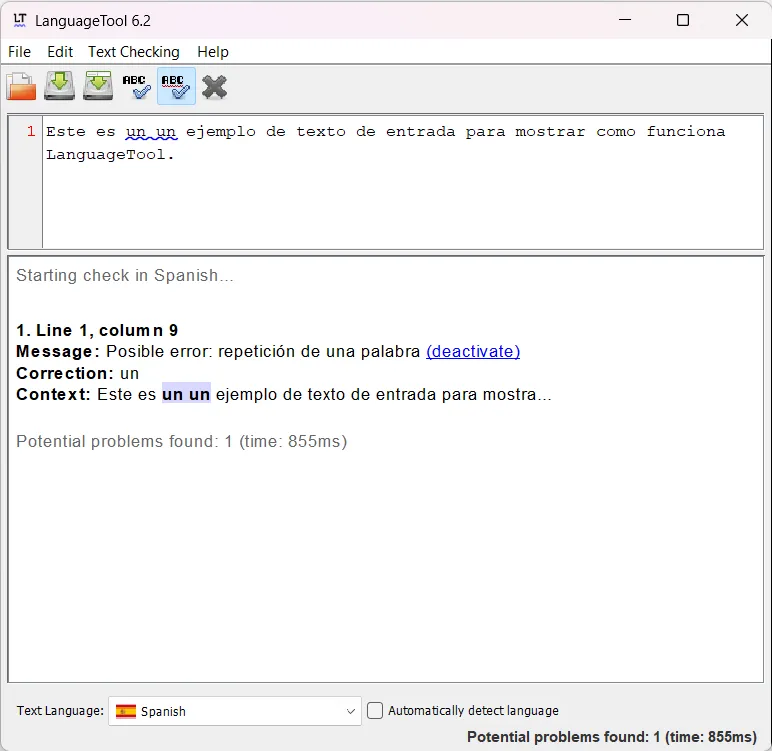
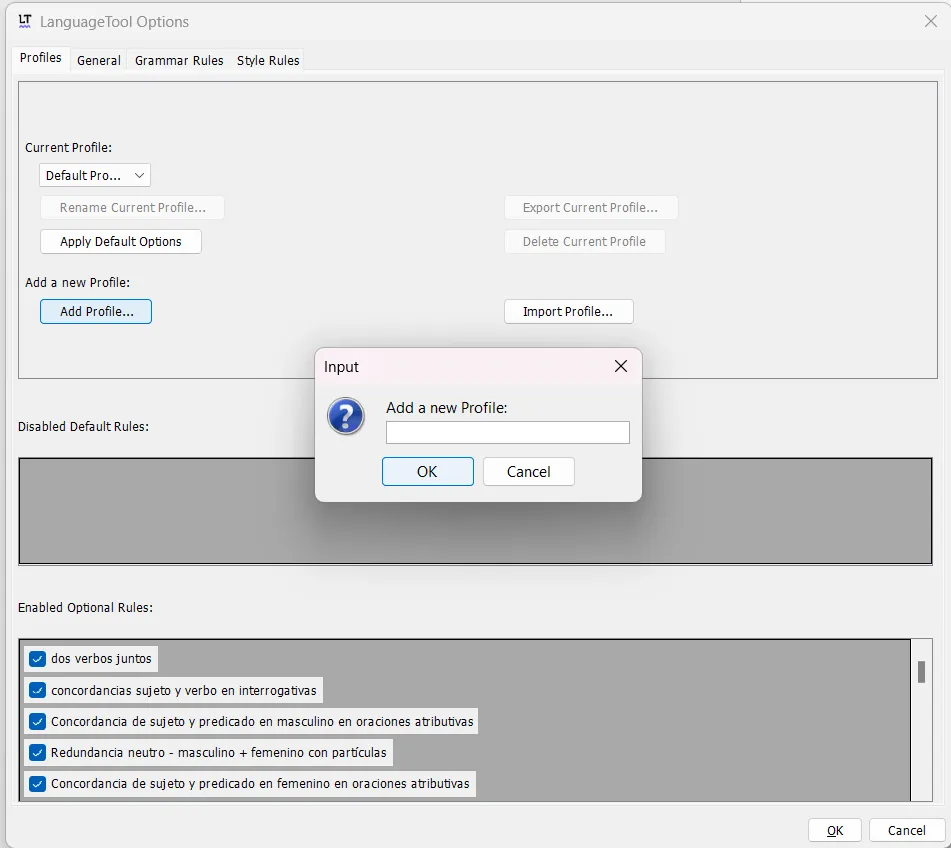
If you prefer to choose the rules visually, the same zip includes the LanguageTool desktop app. Open it, go to Text Checking > Options, enable the option to run as a server on port 8081 and leave the window open: it becomes the bridge CheckMate talks to.
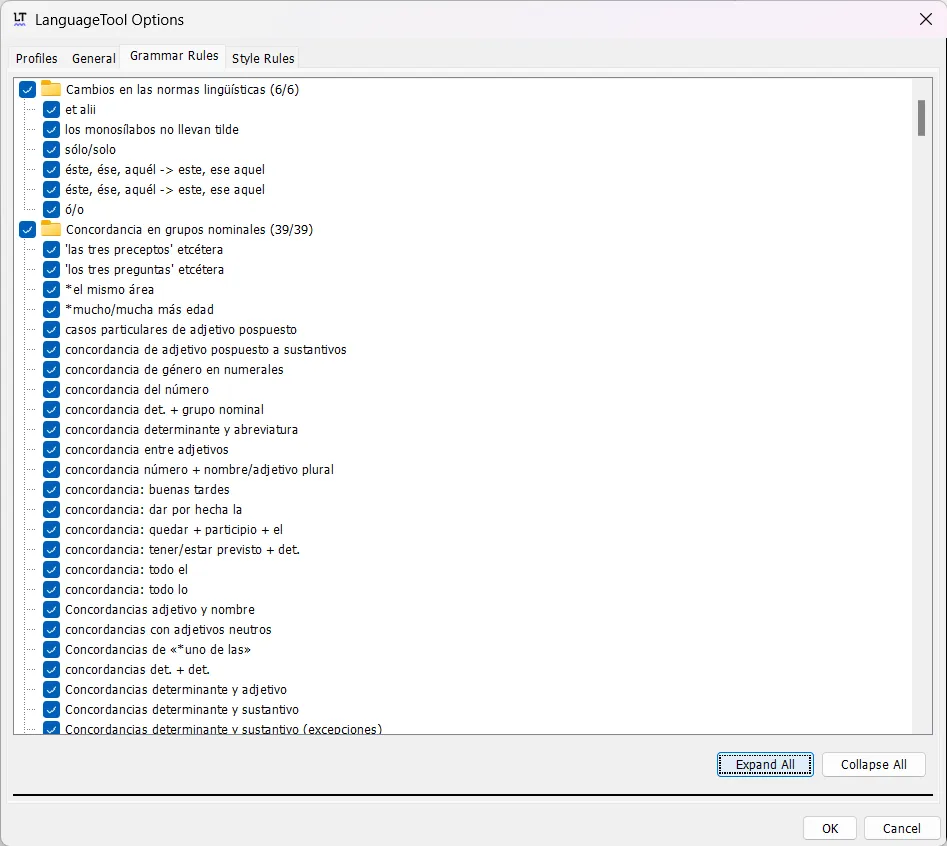
In the options, select only the grammar and style rules that make sense for translated text. Be strict here: tags and placeholders confuse grammar checkers, and a list of a thousand false positives is a list nobody reads.
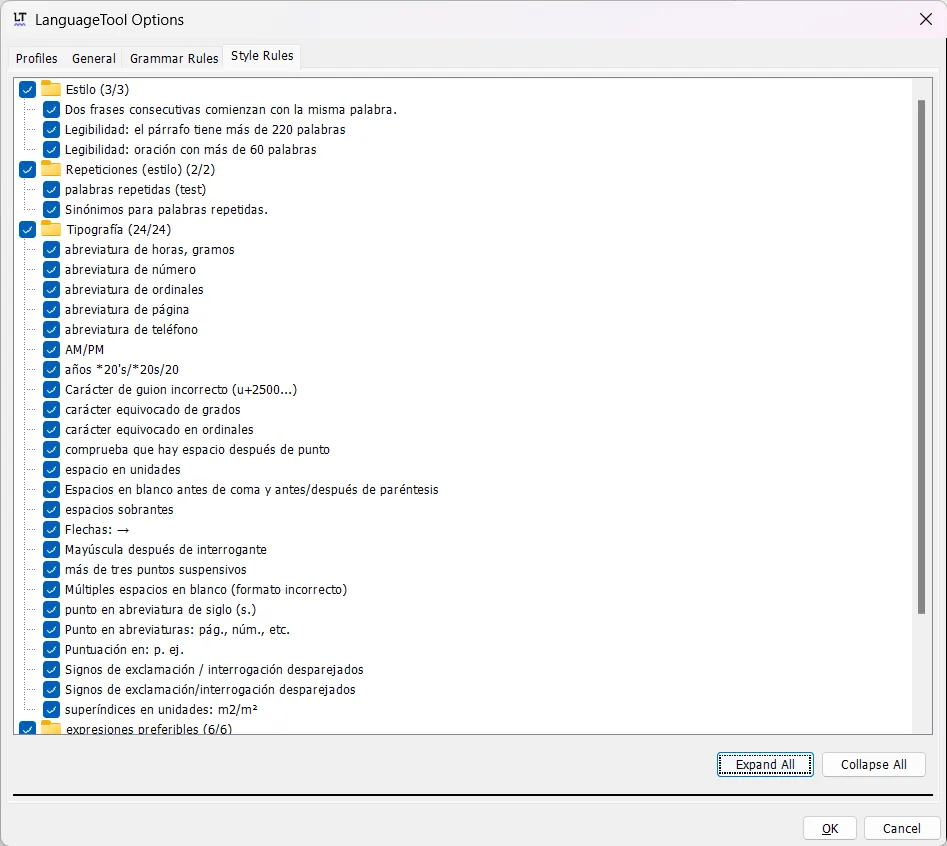
Save the selection as a profile, so you can reuse it per client or per language:
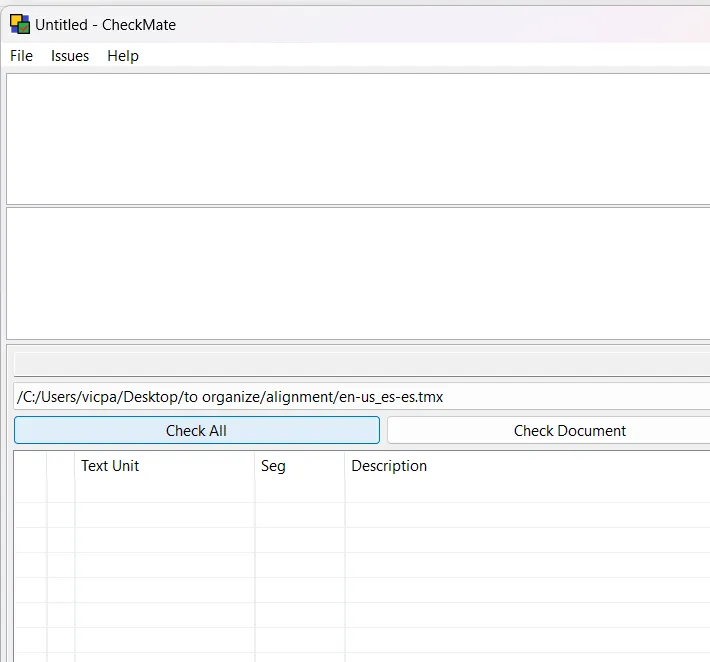
Step 2: open your files in CheckMate
Download the Okapi applications from the Okapi Framework site and start CheckMate.
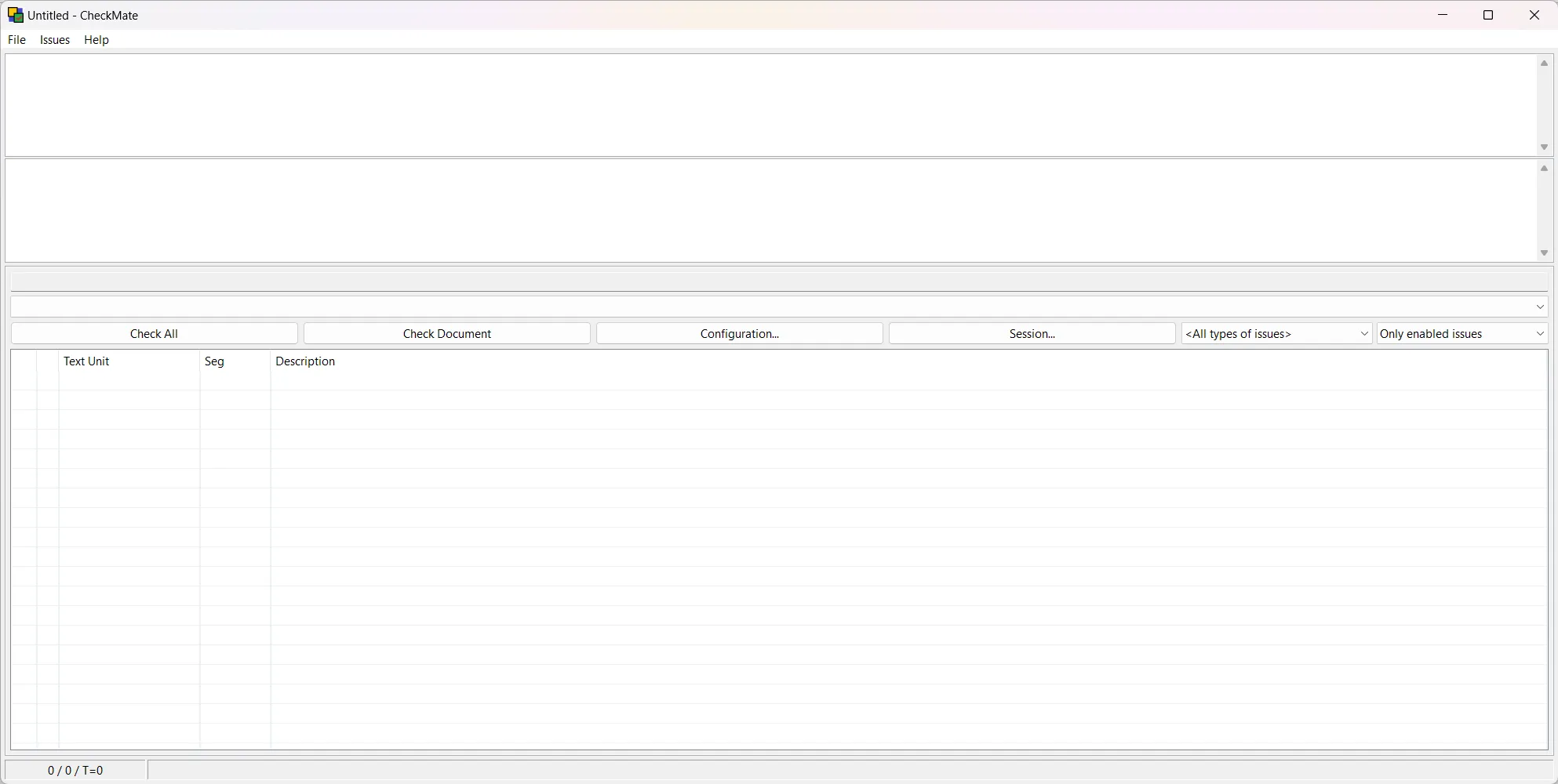
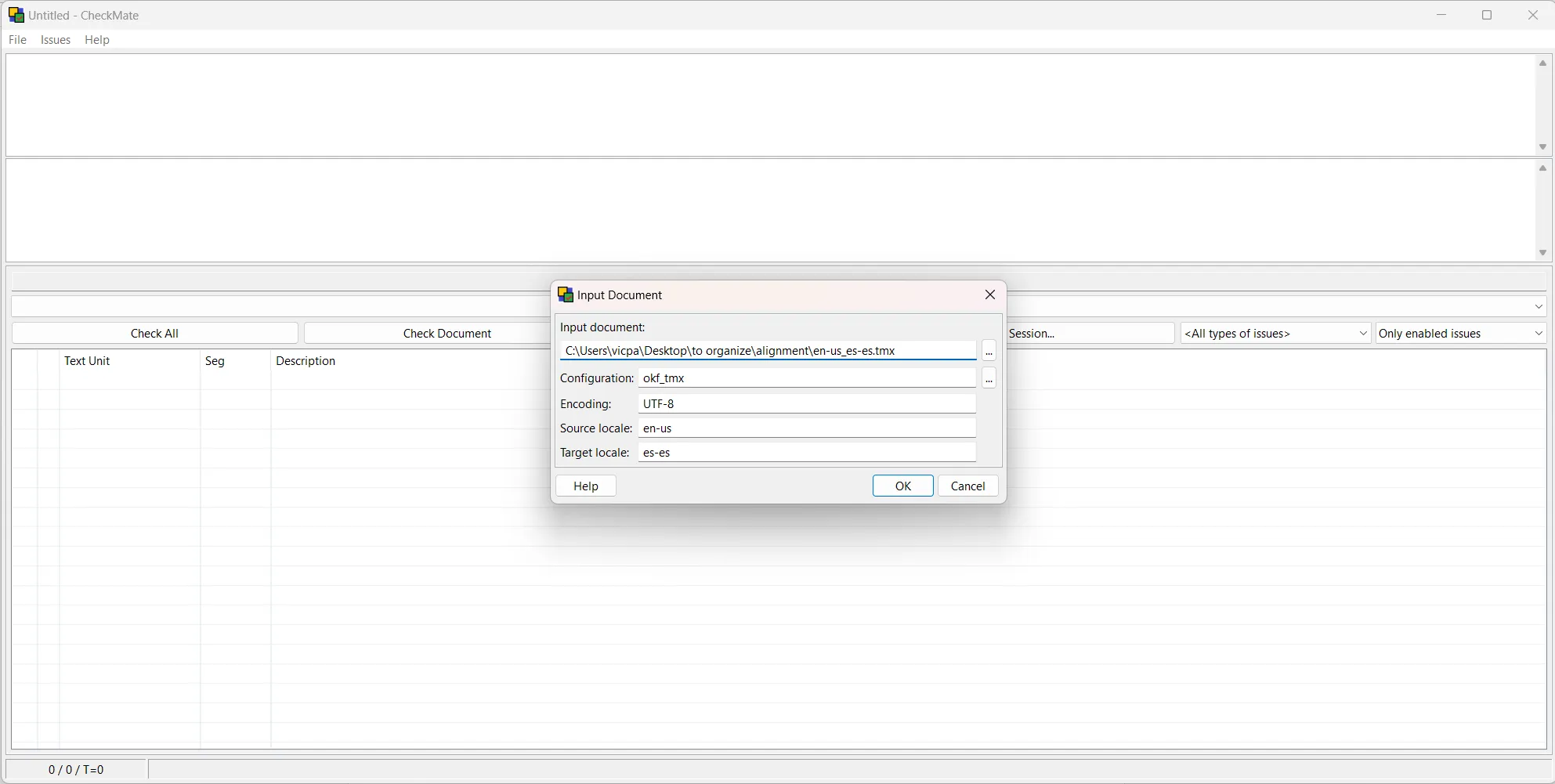
Load the bilingual files you want to review: XLIFF, TMX, PO, TS and others.
Step 3: choose the checks
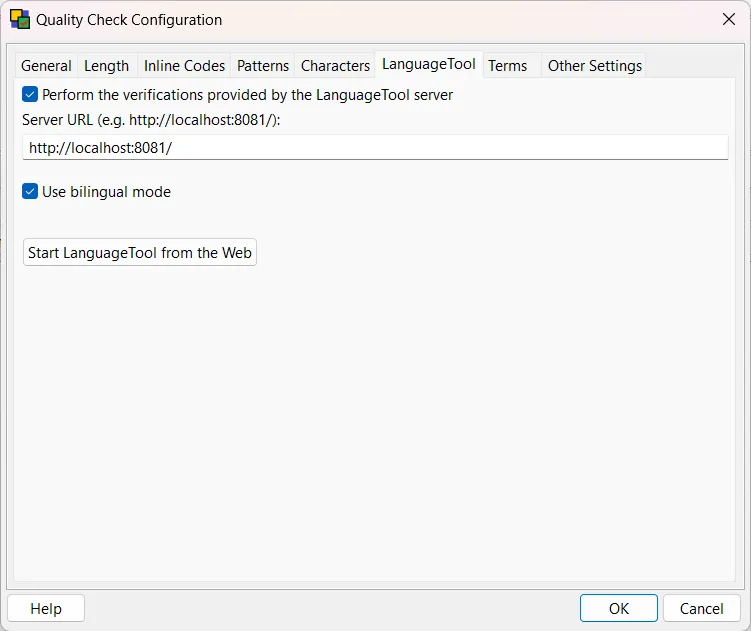
Go through the configuration tabs and enable what fits the project: length limits, inline codes, patterns, characters, terminology. Then, in the LanguageTool tab, enable the LanguageTool checks and point the server URL to http://localhost:8081/. Ignore the button that offers to start LanguageTool “from the Web”: it relied on Java Web Start, which disappeared from Java years ago.
Step 4: run it and read the results
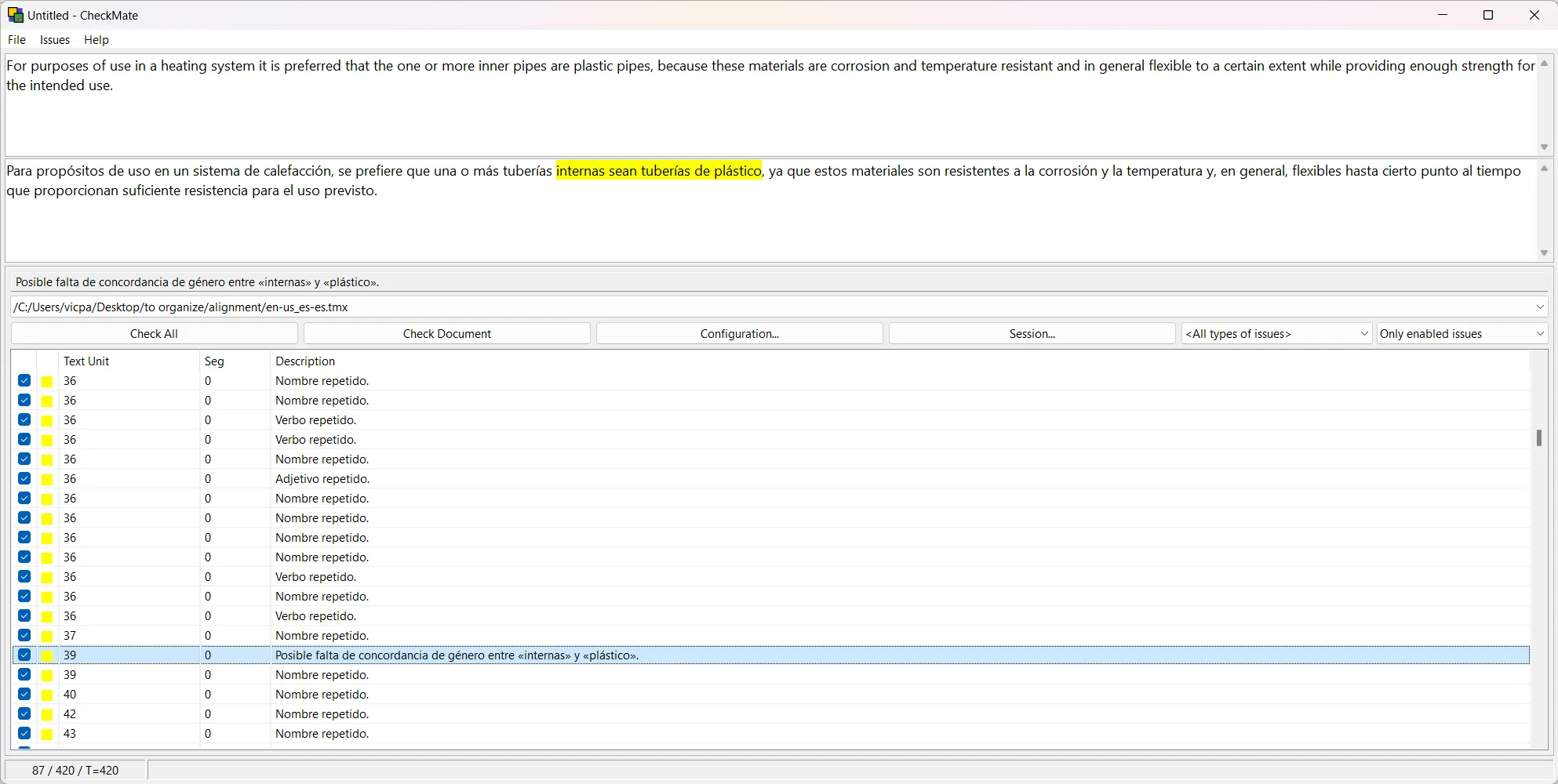
Run Check All:
You get a list of issues per segment, with the source, the target and the reason. Fix what is real, mark the false positives as ignored so they stay quiet next time, and save the session.
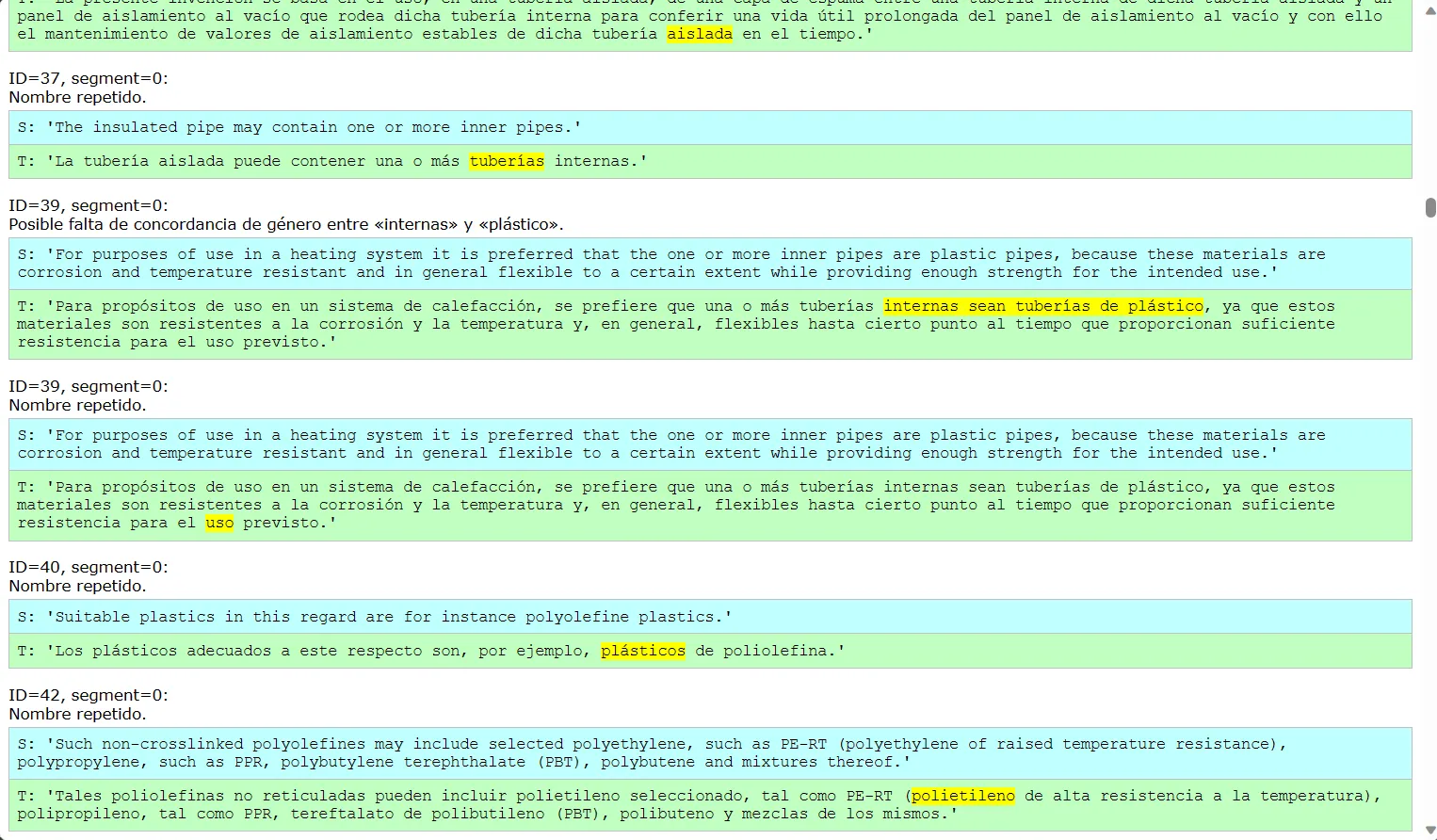
Finally, export the report as HTML. It is useful to send to a client or a vendor, or simply to keep with the project as proof of what was checked.
Where CheckMate fits
CheckMate does not replace structural validation. A file that is not well-formed never gets this far, so check the files themselves first, as I explain in localization file validation. It does not replace human review either: tone, meaning and cultural fit still need a person. What it does very well is the mechanical layer in between: tags, numbers, patterns, terminology and, with LanguageTool, a first pass of grammar. If you want to see that mechanical layer in action, try the live QA demo in the free tools section.
As Lana sings on the title track: don’t forget me. Don’t forget this one either.