In the localization industry, engineers and translators are often tethered to expensive, proprietary software ecosystems. But what if there was another way? What if you could build a robust, professional-grade workflow entirely on Linux, using nothing but free and open-source software (FOSS)?
It is not only possible; it is highly efficient. In this guide, we will explore a complete localization stack designed to democratize the profession and give you absolute control over your tools.
Democratizing the Localization Profession
The primary motivation behind migrating to an open-source workflow is democratization. True democratization means achieving total interoperability, regardless of the operating system, hardware, or budget of the professionals involved.
To achieve this, we must rely strictly on universal localization standards:
- XLIFF (XML Localization Interchange File Format)
- TMX (Translation Memory eXchange)
- TBX (TermBase eXchange)
- SRX (Segmentation Rules eXchange)
These XML-based formats guarantee that tools and agents can exchange localizable data seamlessly. When we embrace these standards, we break free from vendor lock-in. Whether you use a massive enterprise Translation Management System (TMS) or a lightweight local editor, interoperability becomes secure, transparent, and resilient to technical failures.
The Localization Engineer’s Core Tasks
Before diving into the software stack, let’s break down the four pillars of a Localization Engineer’s daily routine:
- File Preparation: Parsing complex files, segmenting text, running word counts for quotes, and executing pseudo-translations for early bug detection.
- Resource Management: Creating and maintaining translation memories (TMs), aligning legacy corpora, and extracting terminology.
- Leveraging: Recycling previously translated material to maximize consistency and drastically reduce turnaround times and costs.
- Quality Assurance (QA): Running automated technical checks to preserve tag integrity, validate file formats, and ensure smooth final delivery.
The Ultimate Open-Source Stack for Linux
Here is a curated list of free, powerful software that runs flawlessly on Linux to cover every single phase of the localization lifecycle.
The Core Engine: Okapi Framework
Almost all heavy lifting can be handled by the Okapi Framework. Written in Java and running perfectly on Linux, it is the Swiss Army knife of localization engineering. The suite includes:
- Rainbow: The powerhouse application for file preparation. It converts a massive range of formats to XLIFF and back. It handles encoding, pseudo-translation, and allows you to strip text from XLIFFs for pure tag QA.
- Ratel: A real-time visual editor for crafting and testing SRX segmentation rules using regular expressions (Regex).
- Checkmate: A comprehensive QA tool for technical and linguistic checks, fully integratable with LanguageTool.
- Ocelot: An XLIFF editor specialized in Linguistic Quality Assurance (LQA). Perfect for reviewing parsed files, scopes, and tags.
- Olifant: A highly capable (though Alpha) tool for deep translation memory management.
- Tikal: The command-line counterpart to Rainbow, indispensable for automating tasks via scripts.
File Management & Text Editing
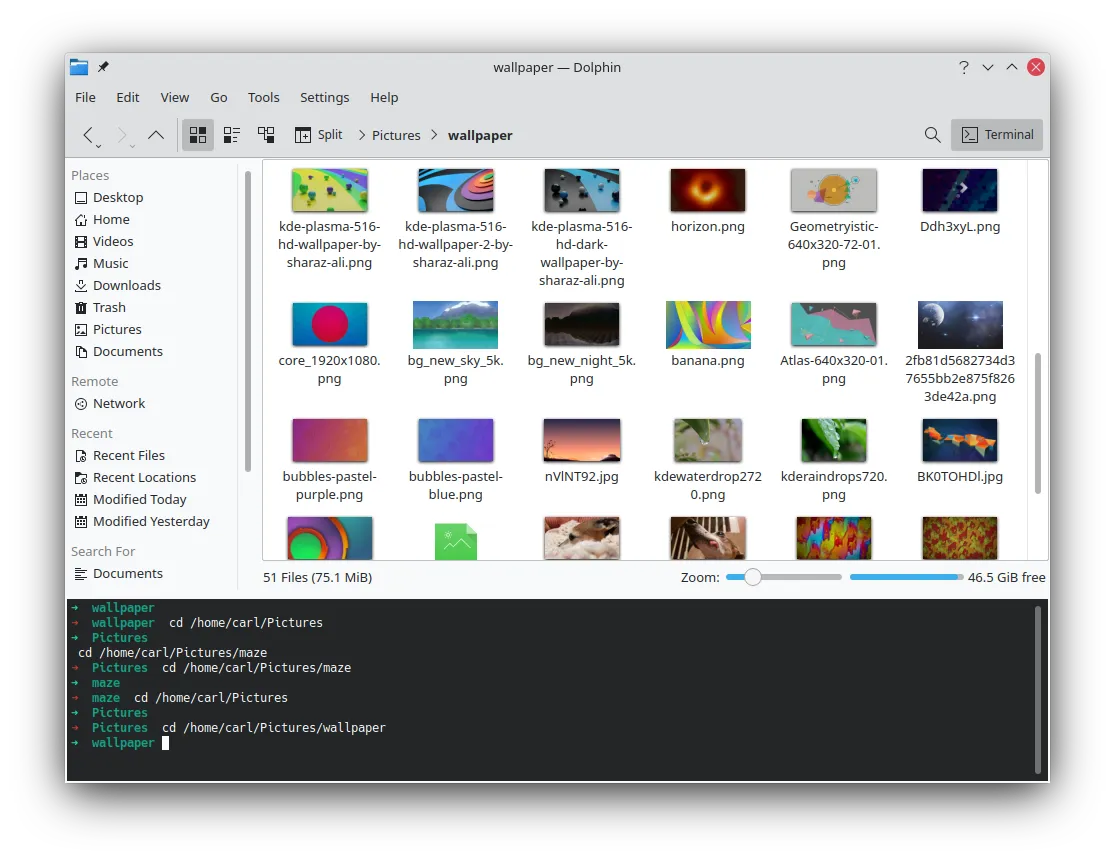
Navigating complex folder structures requires a robust file manager. Dolphin (from the KDE project) is incredibly versatile and feature-rich.
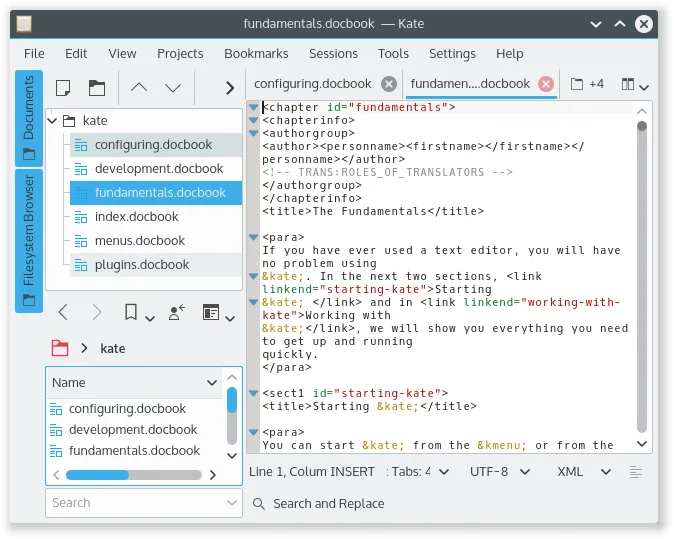
Equally important is a powerful text editor capable of handling huge XML files and Regex operations without breaking a sweat. Kate is unparalleled in this regard.
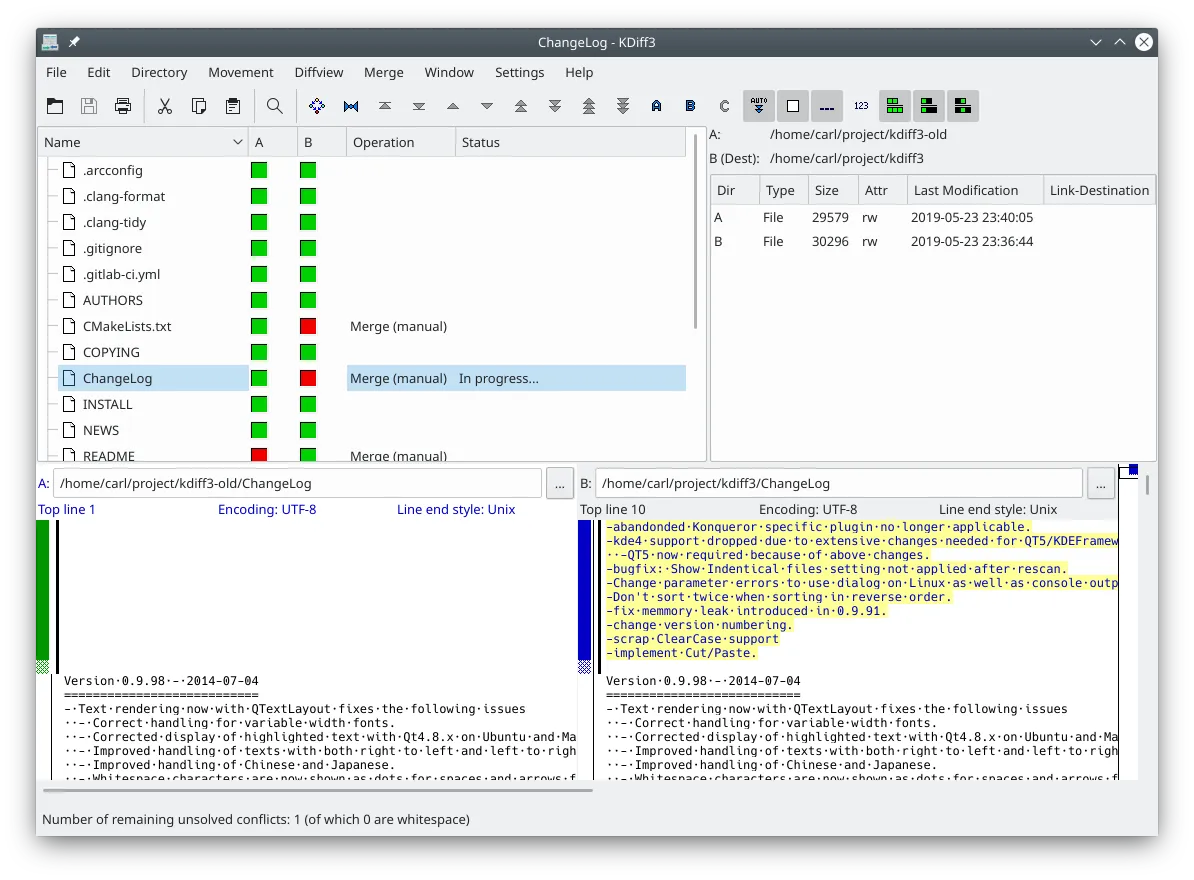
For version control and file comparison (crucial for troubleshooting), Kdiff3 allows you to compare entire subdirectories, merge changes, and edit text directly within its interface.
CAT Tools & Translation Memories
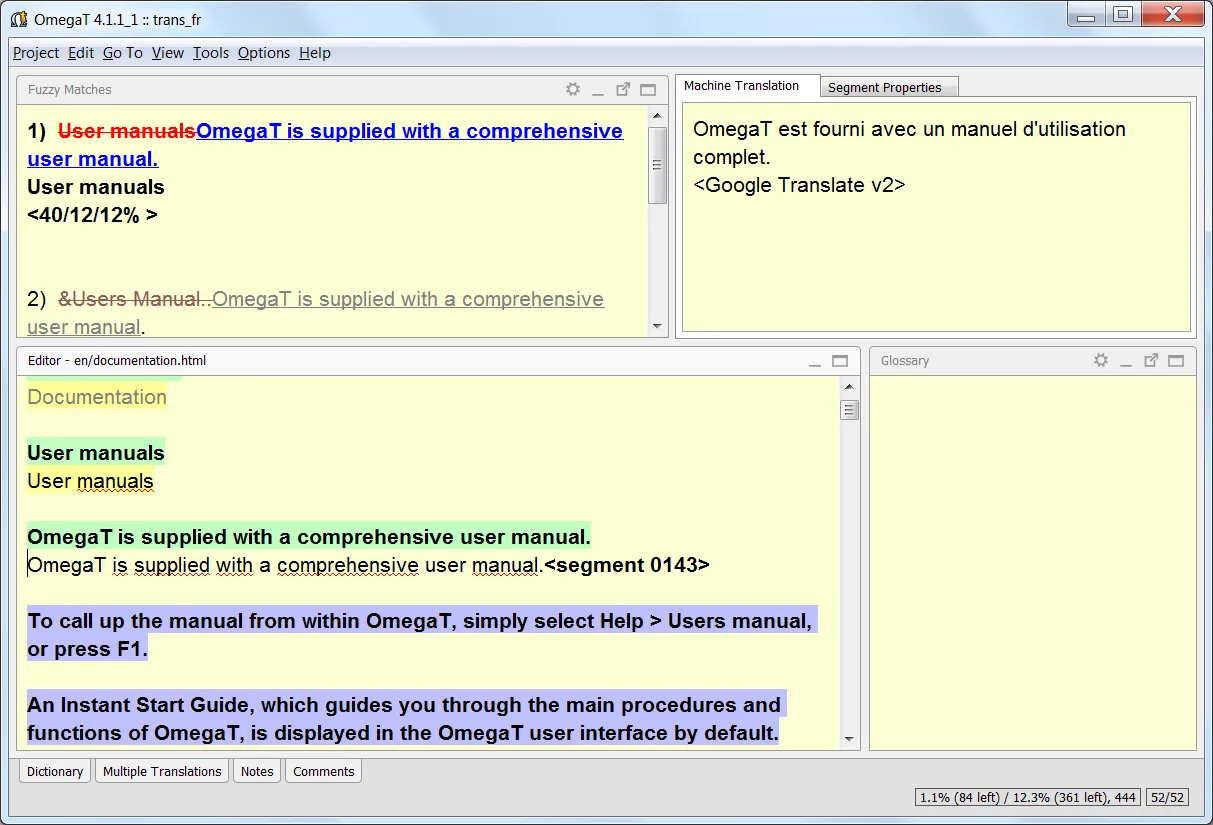
While CAT tool preferences are highly personal, OmegaT stands out on Linux. Once you dive into its documentation, you will find it incredibly capable. Its minor shortcomings are easily covered by the rest of our open-source stack.
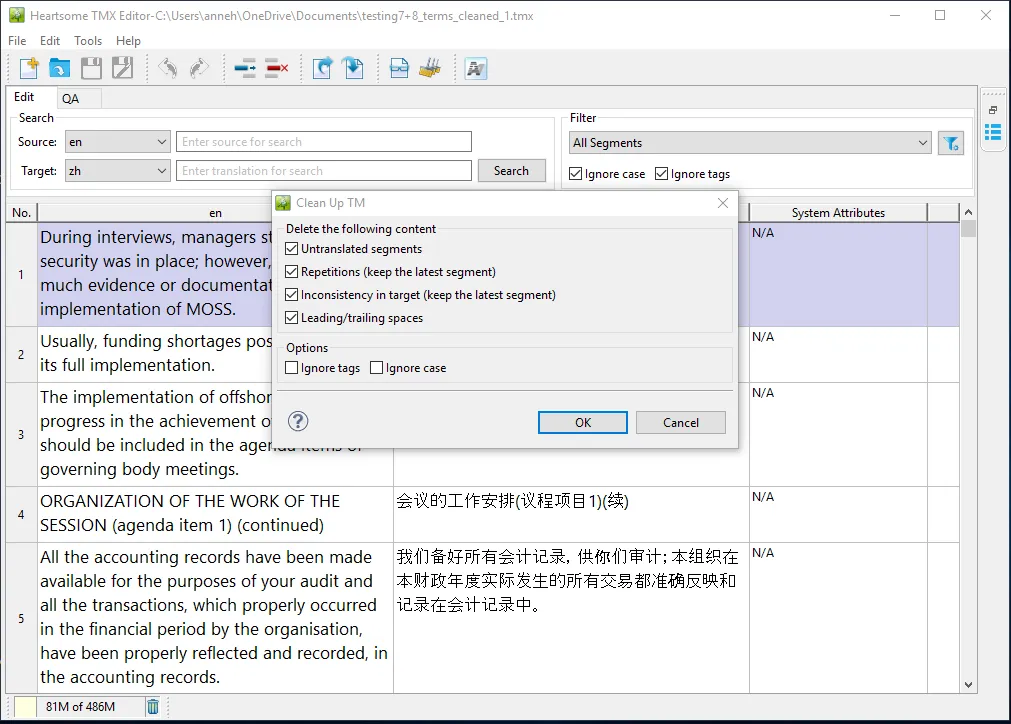
For heavy-duty Translation Memory management, Heartsome TMX Editor is a hidden gem. Though no longer officially supported, it remains a beast. It handles advanced Regex search & replace (in source and target), deep attribute editing, TM cleaning, and TMX validation. Note: It has a 1GB file limit, but splitting and merging TMs within the app is a trivial workaround.
DTP, Utilities, and Remote Work
Localization often bleeds into Desktop Publishing (DTP) and multimedia. Linux has top-tier open-source solutions for this:
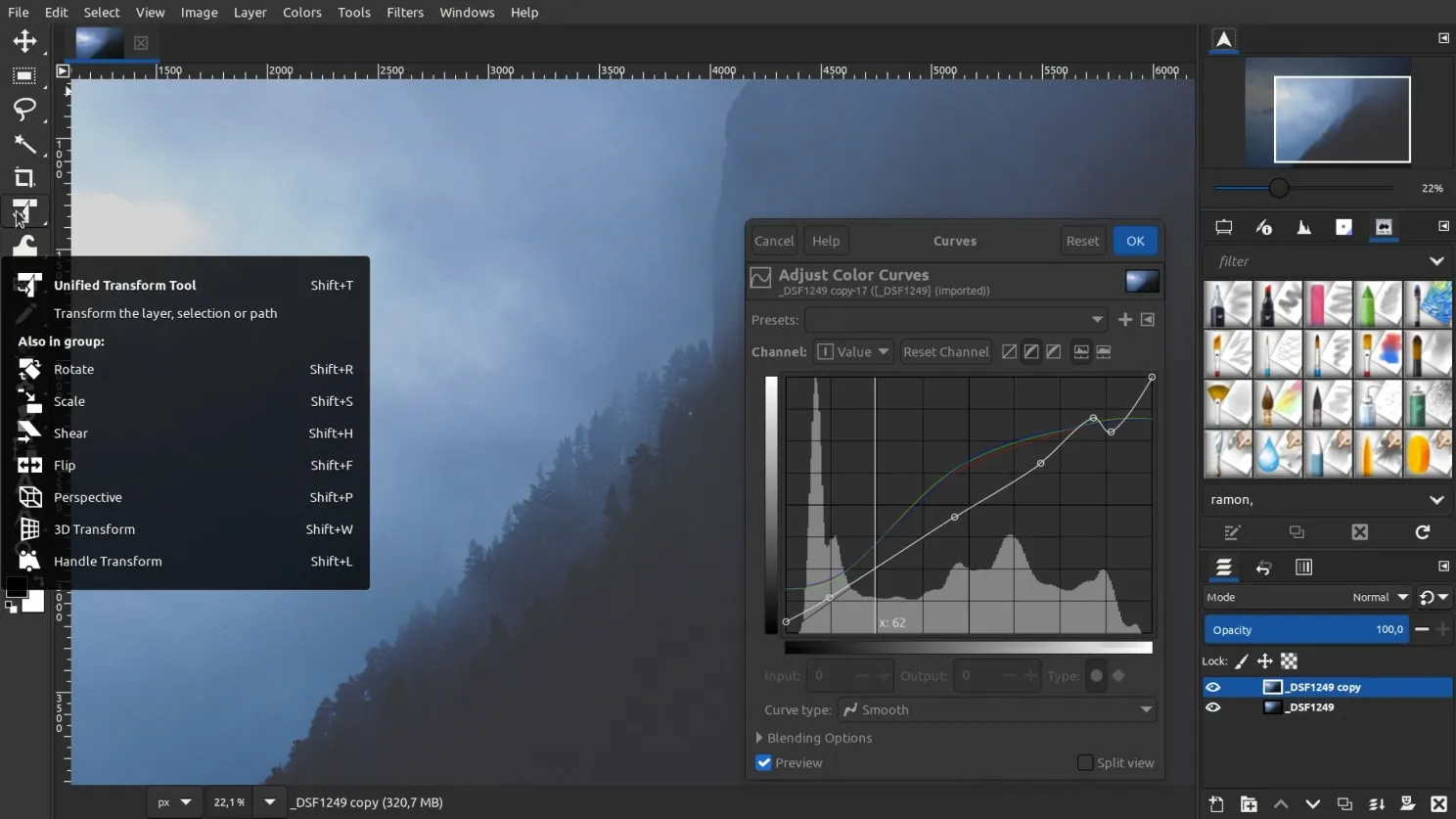
- Image Editing: GIMP handles all raster graphics.
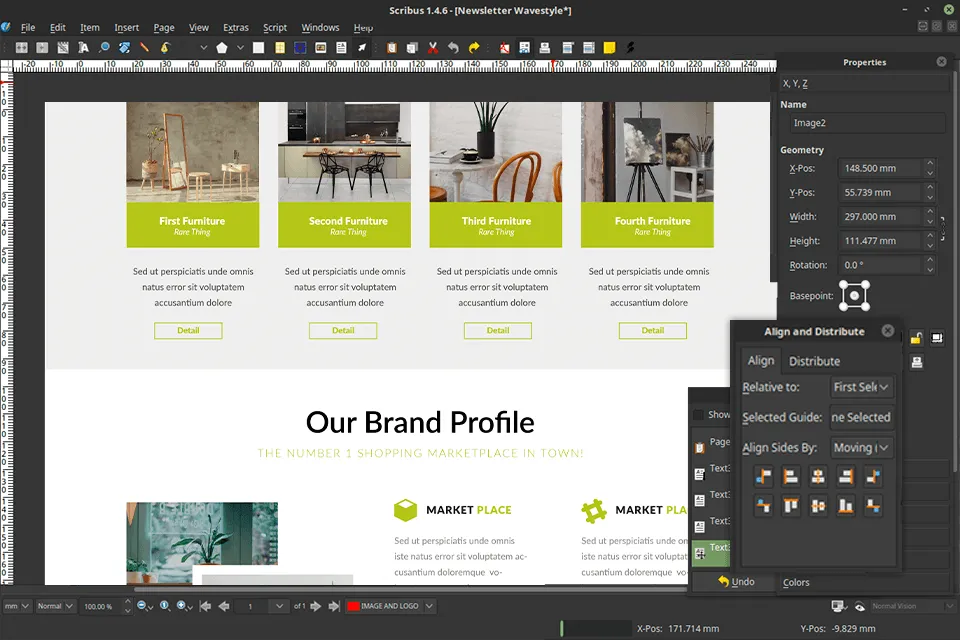
- Layouts: Scribus is an excellent alternative to InDesign.
- Vector Graphics: Inkscape remains the undisputed king of open-source vector editing.
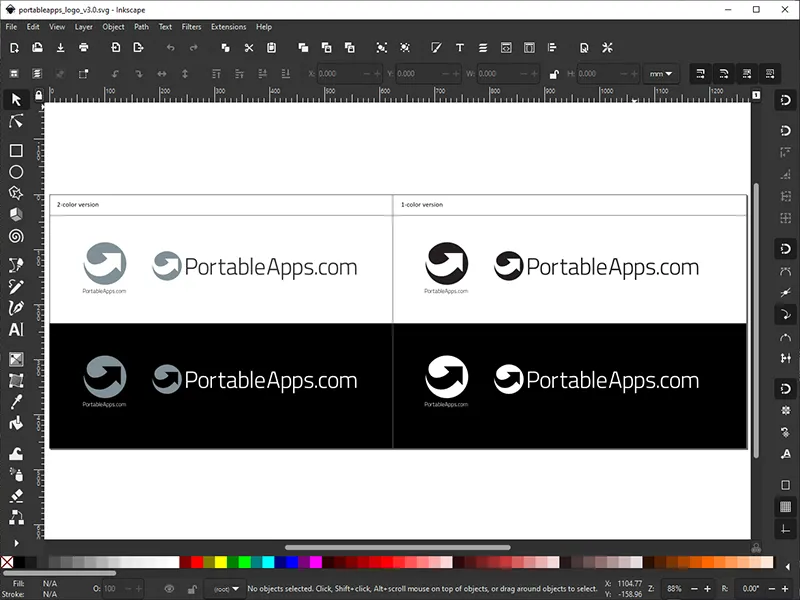
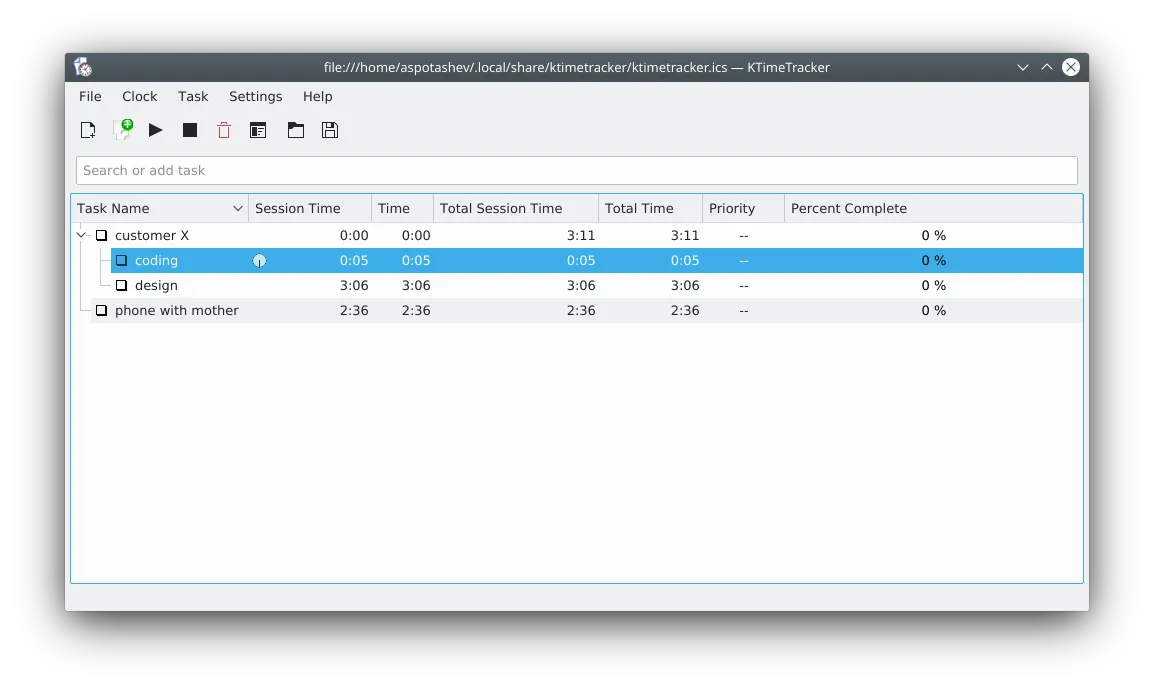
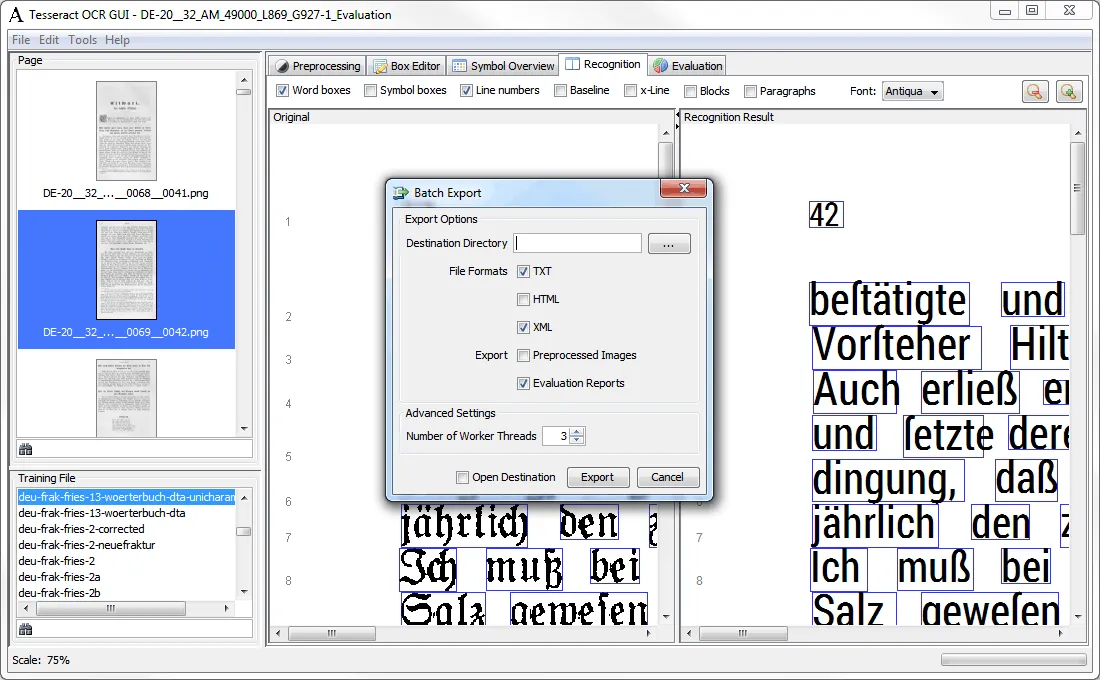
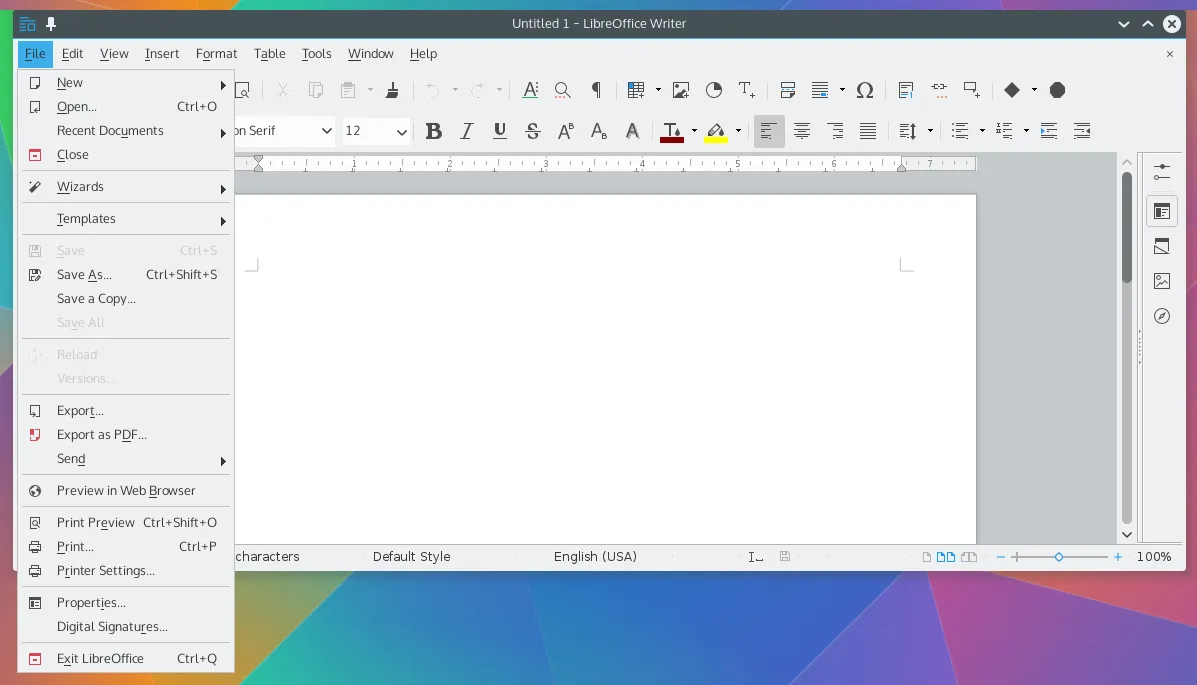
To support your daily operations, consider adding KTimeTracker for project billing, Tesseract OCR for extracting text from uneditable PDFs, and LibreOffice as your primary MS Office alternative.
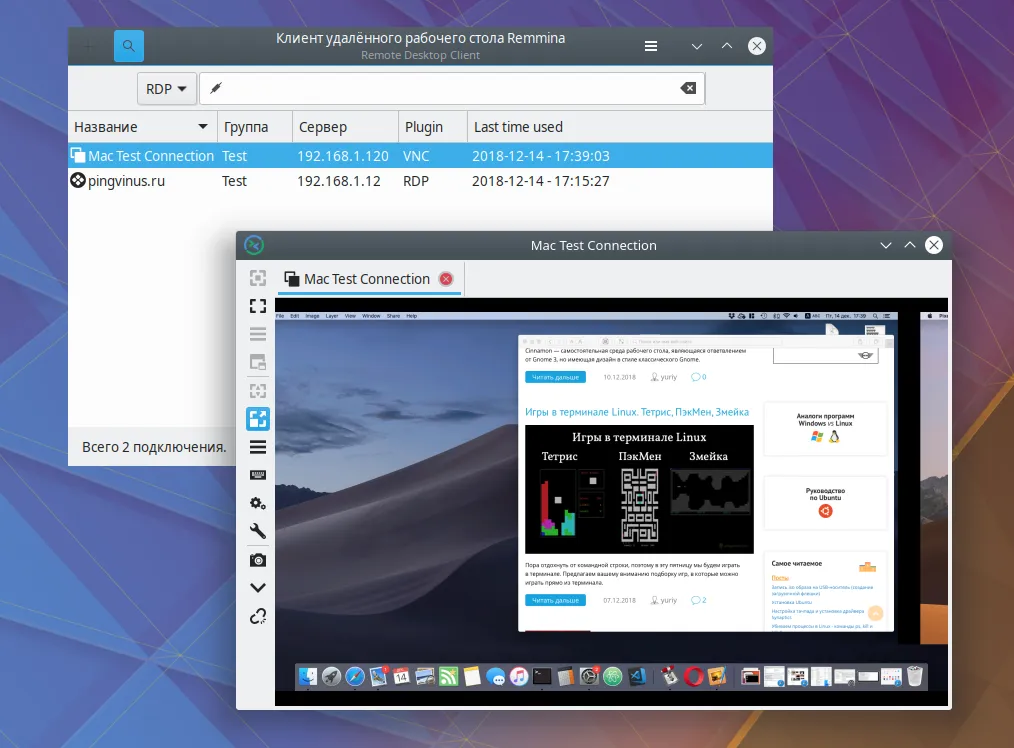
Finally, remote work is here to stay. Connecting to corporate networks from a Linux machine is seamless with OpenVPN (fully compatible with Cisco protocols). For accessing remote corporate machines, Remmina is an outstanding RDP client that outperforms many native Windows solutions.
What does your stack look like? Do you have any other FOSS tools you consider essential for Localization Engineering? Join the discussion in the comments!